
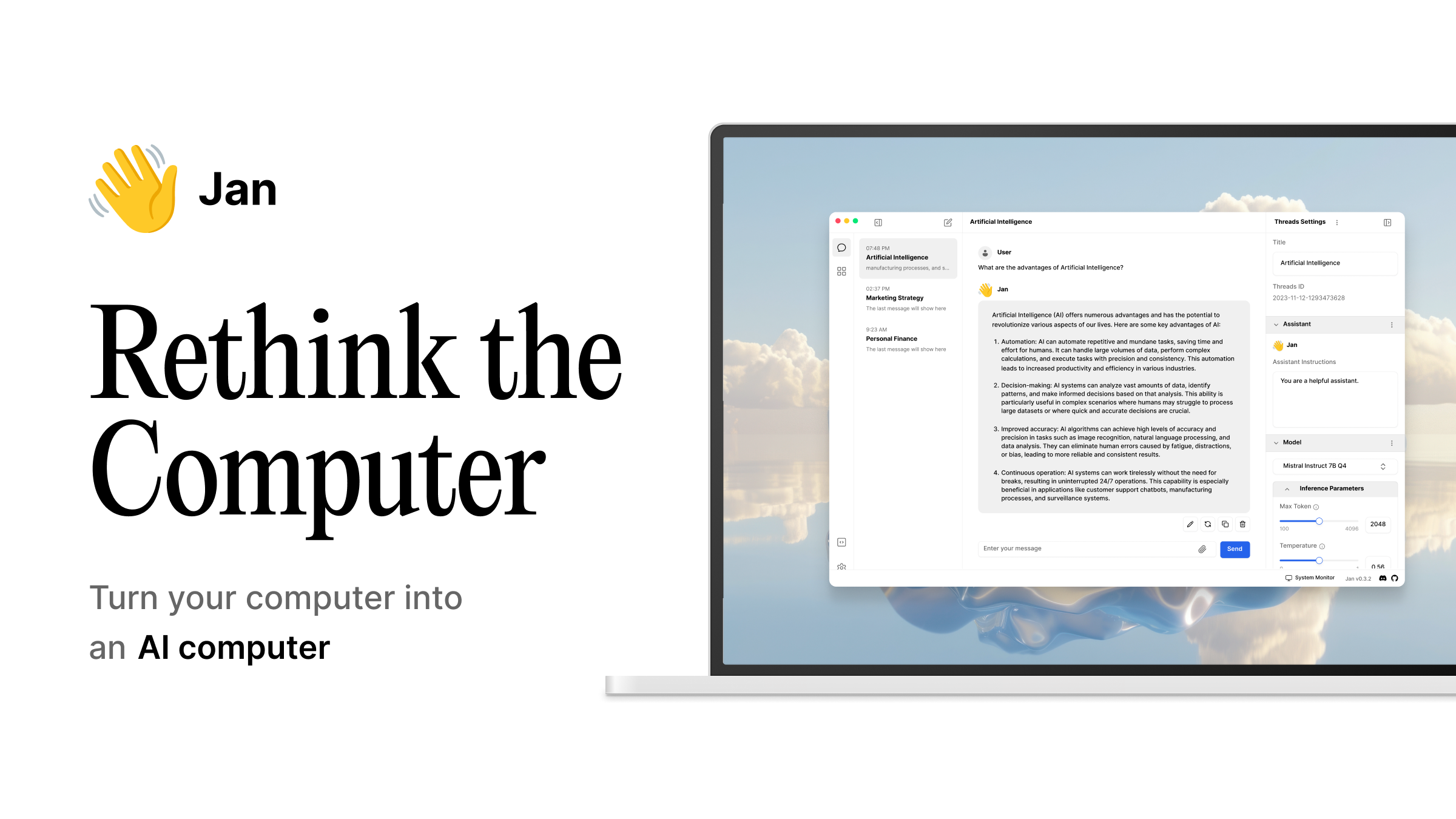
Jan is the open-source app that finally made local LLMs feel like ChatGPT: a clean chat window, a first-party model catalogue, and an OpenAI-compatible server on localhost that other tools can talk to. It also has real limits. The catalogue trails Hugging Face for niche quantisations, MCP support is younger than the LM Studio ecosystem around it, and Windows GPU acceleration on non-CUDA hardware still needs manual work. If you have hit any of those, this is the shortlist worth trying next.
We ran the seven Jan alternatives below on the same three rigs: an M4 Mac mini, a Ryzen desktop with an RTX 4070, and an Intel laptop with Iris Xe integrated graphics. Every pick keeps the “run models on your own machine” premise Jan is built on, and adds something Jan does not do yet.
Why people leave Jan
- The model catalogue lags. Freshly quantised GGUFs on Hugging Face take weeks to show up in Jan’s browser, and side-loading them means editing JSON.
- Windows GPU support is uneven off CUDA. Intel Arc and AMD ROCm builds work, but crash on newer driver combos more often than the Metal or CUDA paths.
- MCP support is present but recent. Compared with LM Studio and Msty, Jan’s server integrations feel earlier.
- No side-by-side model view. Comparing two model responses inside Jan still means opening two sessions.
- No first-class RAG. Jan does documents through experimental features; AnythingLLM and Msty do it as the main workflow.
If any of that pinches you, the seven Jan alternatives below cover it.
Comparison table
| App | Best for | Free plan | Starting price | Standout feature |
|---|---|---|---|---|
| LM Studio | GUI-first users on any OS | Free for personal use | Team seat pricing on request | MLX backend on Apple Silicon, 30-50% faster than llama.cpp |
| Ollama | Terminal users and API embedders | Fully free, MIT-licensed | Free | Rock-solid CLI and REST API, minimal fuss |
| Msty | Non-technical users who want RAG | Free tier | Msty Studio around $10/mo | Side-by-side prompts, knowledge stacks, shadow personas |
| GPT4All | Beginners on modest hardware | Free, MIT | Free | Runs comfortably on 8 GB RAM machines and Snapdragon X |
| AnythingLLM | Team-scale document workspaces | Free desktop app | Cloud from around $50/mo | Multi-workspace RAG, agents, permissions |
| LocalAI | OpenAI, Anthropic, ElevenLabs drop-in | Fully free, MIT | Free (self-host) | Distributed cluster mode, VRAM-aware routing |
| Text Generation WebUI | Power users who tinker | Fully free, AGPL | Free | QLoRA fine-tuning, extension system, multi-backend |
The alternatives
LM Studio — Best overall Jan alternative
LM Studio is where most Jan users land when they want a bigger model catalogue and a faster runtime on Apple Silicon. The Hugging Face model browser is inside the app, chat supports attachments, and the OpenAI-compatible server on localhost:1234 is a one-click toggle. On Apple Silicon the MLX backend runs Llama, Qwen, and Gemma roughly 30 to 50 percent faster than the Metal build of llama.cpp Jan uses, at comparable or lower memory.
Where it falls short: The client itself is closed source. Commercial deployments require a Team licence handled by sales.
Pricing:
- Free: Personal use, unlimited local models
- Paid: Team seats quoted per user
- vs Jan: Same free ceiling for a single user, wider catalogue, faster on Apple Silicon
Migrating from Jan: Point any tool that talked to Jan’s localhost:1337 at localhost:1234 and swap the model id. GGUFs downloaded through Jan live in a different folder, so re-download through LM Studio’s browser rather than symlink. Budget an evening for a workspace with a handful of models.
Download: lmstudio.ai
Bottom line: The right pick for a solo developer who wants a wider model shelf and a faster runtime, and can live with a closed client.
Ollama — Best terminal-first alternative
Ollama is the flip side of Jan: no chat GUI, a rock-solid CLI, and an ecosystem of clients built on top. ollama pull qwen2.5-coder gets a model running in seconds, and the REST API on localhost:11434 is the closest thing to a standard other tools target. If you already use Continue.dev, Open WebUI, or your own scripts, Ollama plugs in with no adapter.
Where it falls short: The Ollama registry trails Hugging Face for freshly quantised models, and there is no first-party chat UI. Keep-alive defaults reload models after five minutes of idle time, which is fine for shared GPUs and slow on a single-user desktop.
Pricing:
- Free: Everything
- Paid: None
- vs Jan: No GUI, but stronger API story and more consistent Linux/CUDA behaviour
Migrating from Jan: Export your prompts, ollama pull the same base models, and point whatever chat client you like at the Ollama endpoint. Open WebUI is the closest visual replacement.
Download: ollama.com · github.com/ollama/ollama
Bottom line: Pick this if the terminal is home base and you want the widest tooling ecosystem.
Msty — Best for side-by-side comparison and RAG
Msty is the app that answers “which model is better at this?” without opening two tabs. Split-view prompts run the same input against two or more local models at once. Knowledge stacks turn a folder of documents into a first-class RAG source. Shadow personas save prompt-plus-model bundles for reuse.
Where it falls short: The advanced workflows are in Msty Studio, a paid add-on. The base app is generous but the good bits gate.
Pricing:
- Free: Desktop app with local models
- Paid: Msty Studio around $10 per month
- vs Jan: Better RAG, better comparison, similar model coverage
Migrating from Jan: Msty imports Ollama and LM Studio catalogues directly and can reuse GGUFs on disk. Export your Jan chat history as text; there is no direct chat import yet.
Download: msty.app
Bottom line: Best pick when you actually rely on the LLM for research and want a comparison view.
GPT4All — Best on modest hardware
GPT4All targets the machines Jan struggles on: 8 GB RAM laptops, Snapdragon X copilot boxes, older Windows desktops. The install is small, the models are pre-quantised for these targets, and the LocalDocs feature covers basic RAG without pulling in a bigger stack.
Where it falls short: Model catalogue is smaller than LM Studio’s and the UI feels dated next to Jan.
Pricing:
- Free: Full app, MIT-licensed for commercial use
- Paid: None
- vs Jan: Lower system floor, smaller catalogue
Migrating from Jan: GPT4All has its own model store and downloads models directly. Your Jan-downloaded GGUFs work if you drop them into GPT4All’s model folder and pick them from the local list.
Download: nomic.ai/gpt4all · github.com/nomic-ai/gpt4all
Bottom line: The right choice on cheap laptops, thin clients, and Windows ARM.
AnythingLLM — Best team RAG workspace
AnythingLLM is what you deploy when a document workspace turns into a team workflow. Multi-workspace RAG, agent flows, and access controls sit on top of the same local-model story Jan starts with. The desktop app is free and self-contained; the cloud version handles the multiplayer side.
Where it falls short: Overkill for one person with a couple of PDFs. The learning curve is real if you never touched an embedding store before.
Pricing:
- Free: Desktop app for single user
- Paid: Cloud plans start around $50 per month for a team
- vs Jan: A different shape of tool; think workspace, not chat
Migrating from Jan: Point AnythingLLM at your Ollama or LM Studio endpoint, upload the documents, ignore the fact that Jan can technically do RAG.
Download: anythingllm.com · github.com/Mintplex-Labs/anything-llm
Bottom line: Best pick when the LLM is part of a workflow with real documents and more than one user.
LocalAI — Best OpenAI-shaped API replacement
LocalAI speaks the OpenAI API, the Anthropic API, and ElevenLabs, all pointed at models running on your machine. It clusters across boxes, so a beefy workstation and a laptop can share GPU capacity through one endpoint.
Where it falls short: No first-party chat GUI. Setup is closer to running a service than a desktop app.
Pricing:
- Free: Open source, Apache 2.0
- Paid: None (self-host)
- vs Jan: Broader API surface, less friendly first-run
Migrating from Jan: Anything that hit localhost:1337/v1 on Jan swaps to LocalAI’s port and Just Works, because LocalAI’s OpenAI-compat is stricter.
Download: localai.io · github.com/mudler/LocalAI
Bottom line: The right layer when the LLM is a backend for other software, not a chat window.
Text Generation WebUI — Best power-user tinkering box
Text Generation WebUI (oobabooga) is where you go when you want QLoRA fine-tuning, four different inference backends, and an extension system that lets you bolt on almost anything. It is a workshop, not a product.
Where it falls short: Rough edges everywhere and a UI that ages faster than Jan or LM Studio. Not the app to hand your team.
Pricing:
- Free: Open source, AGPL
- Paid: None
- vs Jan: More power, less polish
Migrating from Jan: Copy your GGUFs into the models/ folder, launch, pick a backend. Prompt history stays in Jan.
Download: github.com/oobabooga/text-generation-webui
Bottom line: Best pick for the person who wants to fine-tune, not just chat.
How to choose
- Pick LM Studio if you want a friendlier Jan on Apple Silicon or Windows with CUDA.
- Pick Ollama if you want an API backend and are happy in the terminal.
- Pick Msty if you rely on the model for research and want side-by-side answers.
- Pick GPT4All if the machine is old, cheap, or ARM.
- Pick AnythingLLM if the workflow is document-heavy and involves more than one user.
- Pick LocalAI if you are building software that expects the OpenAI API.
- Pick Text Generation WebUI if you want to fine-tune locally.
- Stay on Jan if a fully open-source client and an active MCP roadmap matter more than any of the above. Jan is the app you keep when you want the whole stack under Apache 2.0.
FAQ
Is Jan open source? Yes. Jan is Apache 2.0 licensed, including the desktop client, and the roadmap is public on GitHub.
Can I use Jan and Ollama on the same machine? Yes. They bind different ports (Jan on 1337, Ollama on 11434) and can share GGUFs if you symlink the model folders.
Which Jan alternative is fastest on a Mac? LM Studio on Apple Silicon with the MLX backend is the fastest we have measured on Llama, Qwen, and Gemma at the same quantisation. Jan and Ollama are close behind on Metal.
Which one is easiest to plug into VS Code or JetBrains? Ollama, because most editor plugins target its API by default. LM Studio is a close second through its OpenAI-compatible endpoint.
Do these run on Linux? LM Studio, Ollama, GPT4All, AnythingLLM, LocalAI, and Text Generation WebUI all ship first-class Linux builds. Msty has Linux as well, though older releases lagged Windows and macOS.
